Self-hosted software
Mostly homes
Photos, files, passwords, movies, notes, and the smart home, running on a small computer in your house instead of on a subscription.
Immich, Nextcloud, Vaultwarden, Jellyfin, Home Assistant, and more
We set up software that runs in your house or your shop instead of a data center, install security that answers to you and nobody else, build websites, and fix the electronics you already own. In person, close to home.
Illustrative. A typical family setup on a refurbished desktop. Shops run the same thing, bigger.
One idea behind them: you should own the technology you depend on.
Mostly homes
Photos, files, passwords, movies, notes, and the smart home, running on a small computer in your house instead of on a subscription.
Immich, Nextcloud, Vaultwarden, Jellyfin, Home Assistant, and more
Home and Business
Cameras, locks, alarms, and sensors that record and run in your building. If someone wants your footage, they have to ask you.
Cameras, door locks, garage access, alarms, sensors, access control, point of sale
Mostly businesses
Fast, plain, good-looking sites and small web apps for businesses and people who want a real home on the web.
historiclineup.com, larrystokes.com, more on the way
Home and Business
PCs, laptops, phones, TVs, monitors, printers. We fix what can be fixed and give old machines a second job.
Screens, batteries, drives, cleanup, custom builds, home servers from old desktops
The same six questions, answered their way and ours.
| Question | Their cloud | Under your roof |
|---|---|---|
| Where your data lives | A data center you will never see | A box in your closet |
| Who can read it | The company, its partners, and anyone with a subpoena | You, and whoever you hand a key to |
| When the internet goes out | Cameras, locks, and files go dark | Everything keeps working inside the house |
| When the company changes its mind | The price goes up, or the product is discontinued | Nothing changes. It is your hardware |
| What it costs over five years | A subscription, every month, forever | Hardware once, plus a little electricity |
| Getting your data out | An export tool, if they offer one | It is already on your drive |
Every one of their answers has happened to someone. Here is the record, dated and sourced.
Four steps. You can stop after any of them.
Tell us what you are paying for and what bugs you. Fifteen minutes on the phone or at your kitchen table.
You get a written plan: what we would install, what it replaces, and what it costs. No surprises.
We bring the hardware, set it up, and move your data over. Watch, ask questions, or go about your day.
We show you how it works and leave written notes. When something breaks, call. We come back.
Two live sites, and a demo system on the way so you can try the software before you buy a thing.
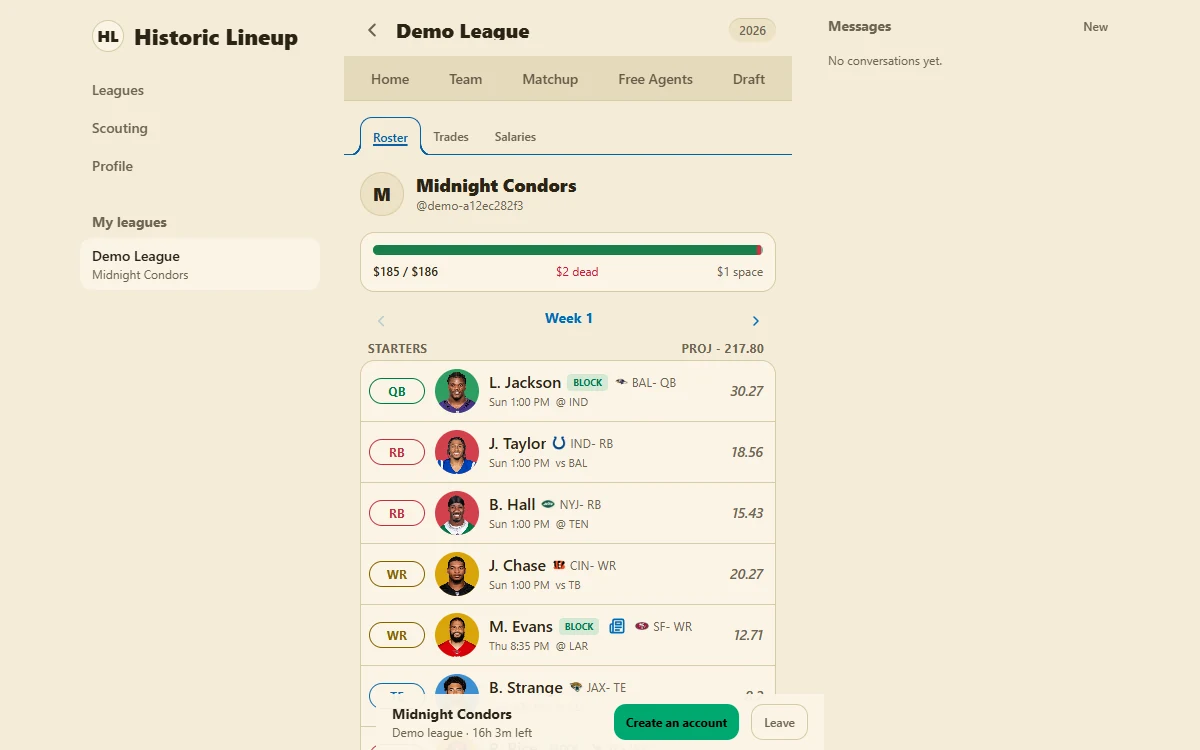
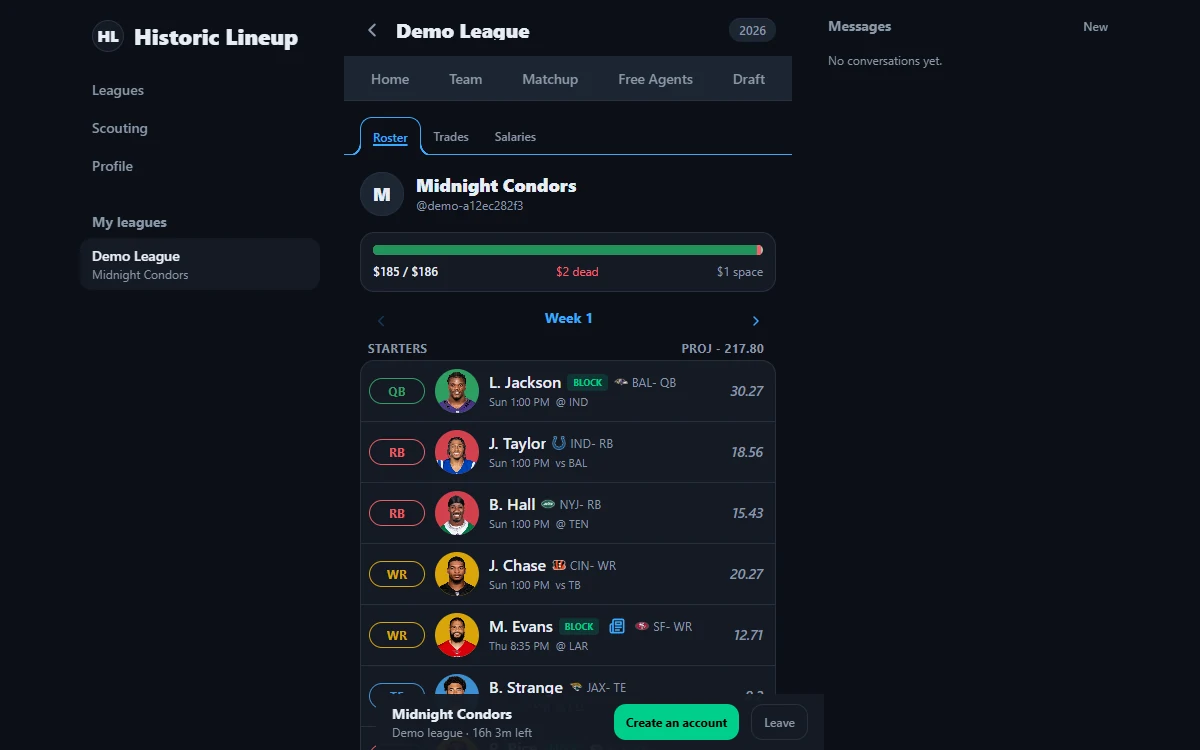
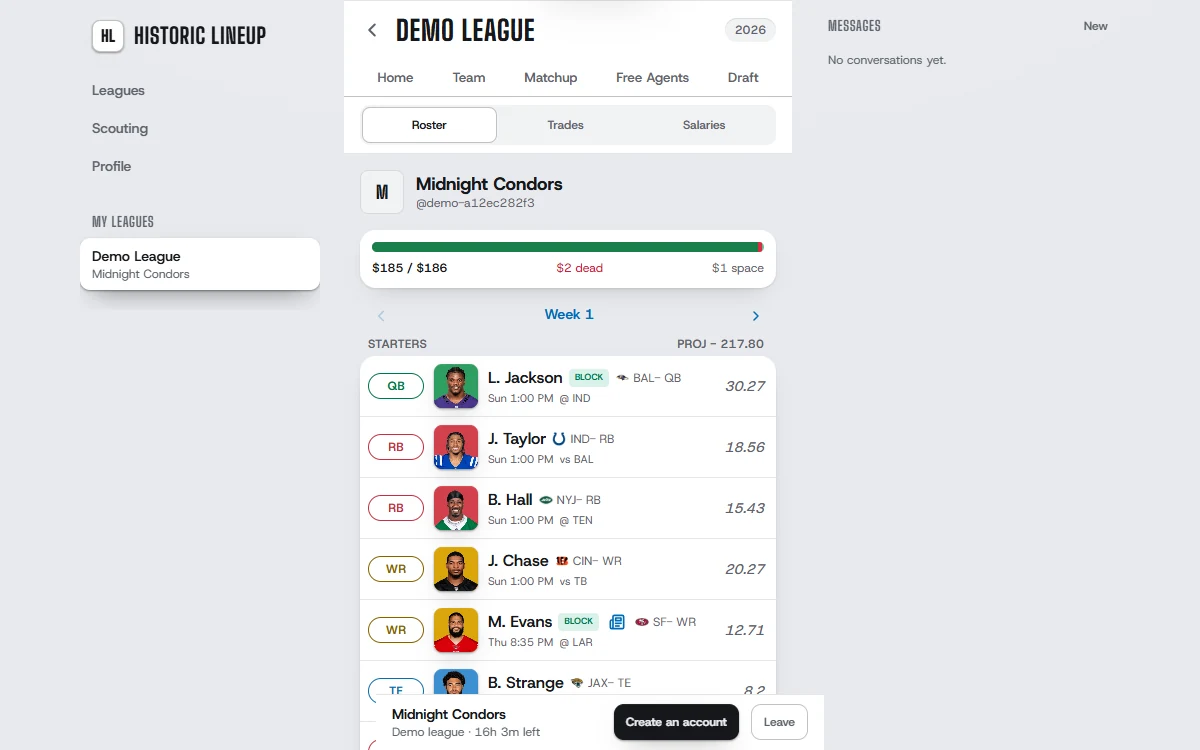
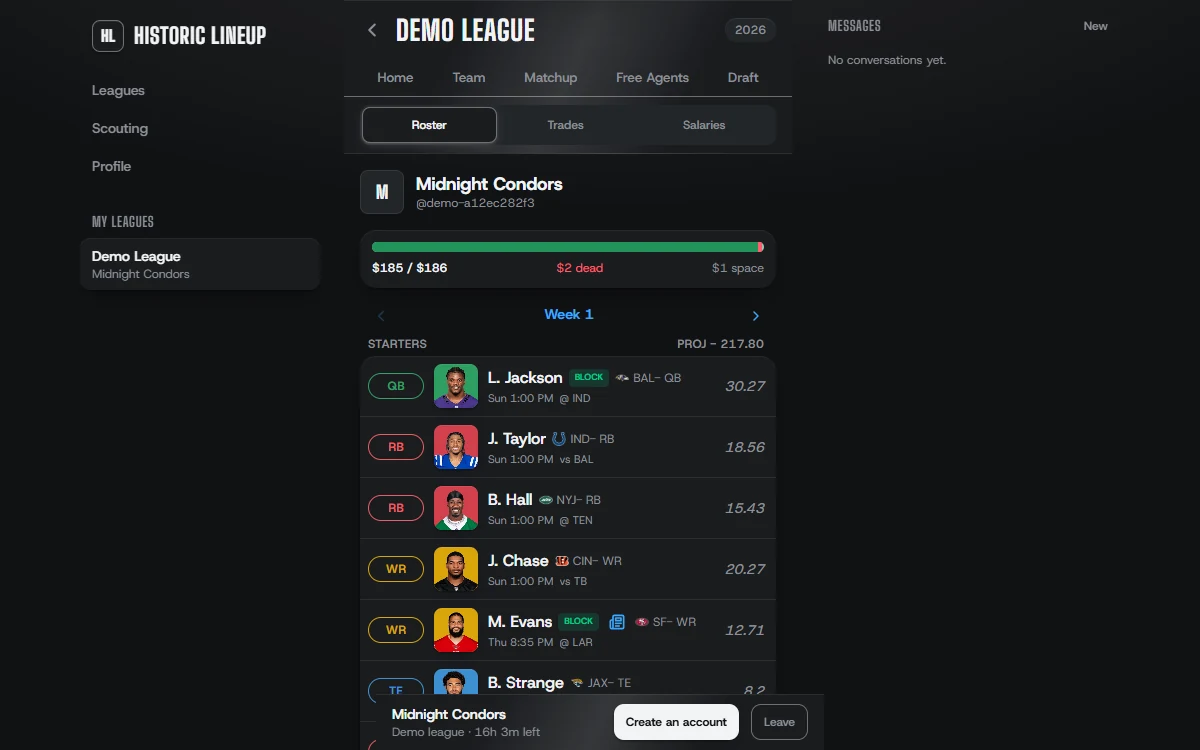
Drag either line or the center. Click or tap the center to reset.
Use arrow keys to move the focused divider, or both dividers at the center. Hold Shift for larger steps. Home and End move to the edges. Press Enter or Space at the center to reset.
A fantasy football web app for redraft, dynasty and keeper leagues, with a try-it demo that needs no account.

Portfolio and contact site for a wedding, sports, and freelance photographer.
Call, email, or send a note. The person who answers is the one who does the work.